

Tumorigenesis mechanism overview example
Read a tumorigenesis overview example: progression stages, molecular pathways, the microenvironment and visual checks for your own mechanism figure.
This demo illustrates how a trial-flow diagram separates eligibility, allocation, follow-up and analysis across study arms. The useful starting point is the structure; participant counts and exclusion reasons must come from the actual trial records.
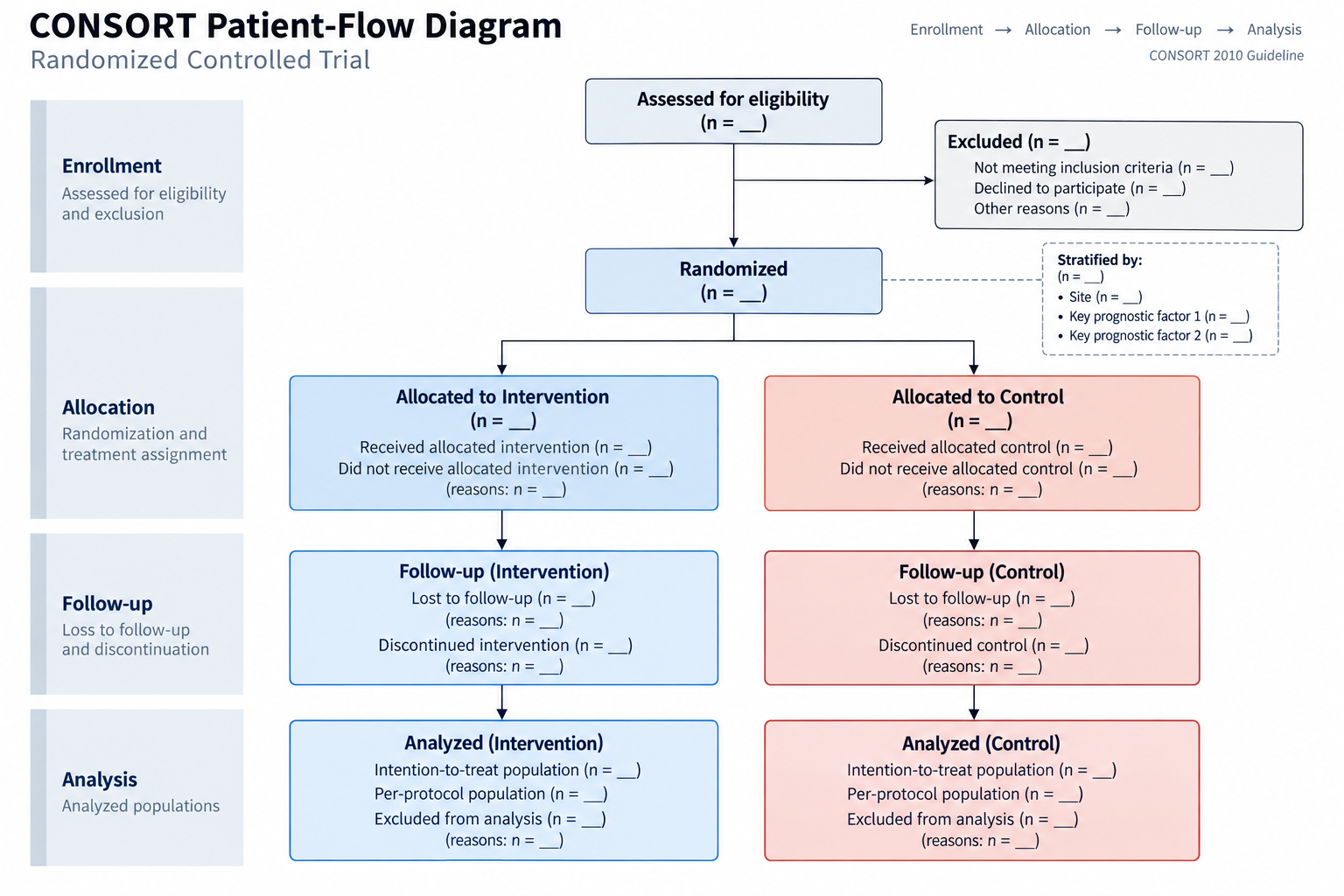
Prepare reconciled counts and reasons from the trial record for each stage and arm. Identify the trial design and applicable reporting guidance before choosing a diagram layout.
This teaching prompt is a new starting point for your own material. It is not a record of the prompt that produced the displayed image.
Draft a participant-flow layout for my trial using only the counts and reasons I provide. Include eligibility, exclusions, randomization, allocation, follow-up and analysis, with separate arms where appropriate. Keep missing counts as [n] and flag totals that cannot be reconciled. Do not invent participants, exclusion reasons or trial results. Label the population at each stage and keep the layout readable when printed.Start a figure from this example